Payment terminals

The terminal that fits your business. Programmed and ready.

Whether you swipe cards behind a counter, on a truck, in a chair, or online — there's a terminal in the Dough lineup built for it. Clover, Newland, Ingenico, plus two online gateways for card-not-present work. We pick the one that fits your setup. We ship it programmed. You plug it in and process.

All terminals support tap, chip, swipe, Interac Free Clover Flex available for qualified merchants Shipped in 2-3 days
Pick by use case

Not sure which one you need? Start here.

Most merchants overthink this part. The reality is the Clover Flex covers 80% of businesses. The rest of the lineup exists for specific cases — full POS workflows, mobile services, traditional countertop setups, or pure online processing.

In-person terminals

The hardware lineup.

Every terminal below supports tap, chip, swipe, and Interac. All run on Canadian payment rails. All ship programmed and ready to go. We help you pick the right one based on your business — not the most expensive one on the shelf.

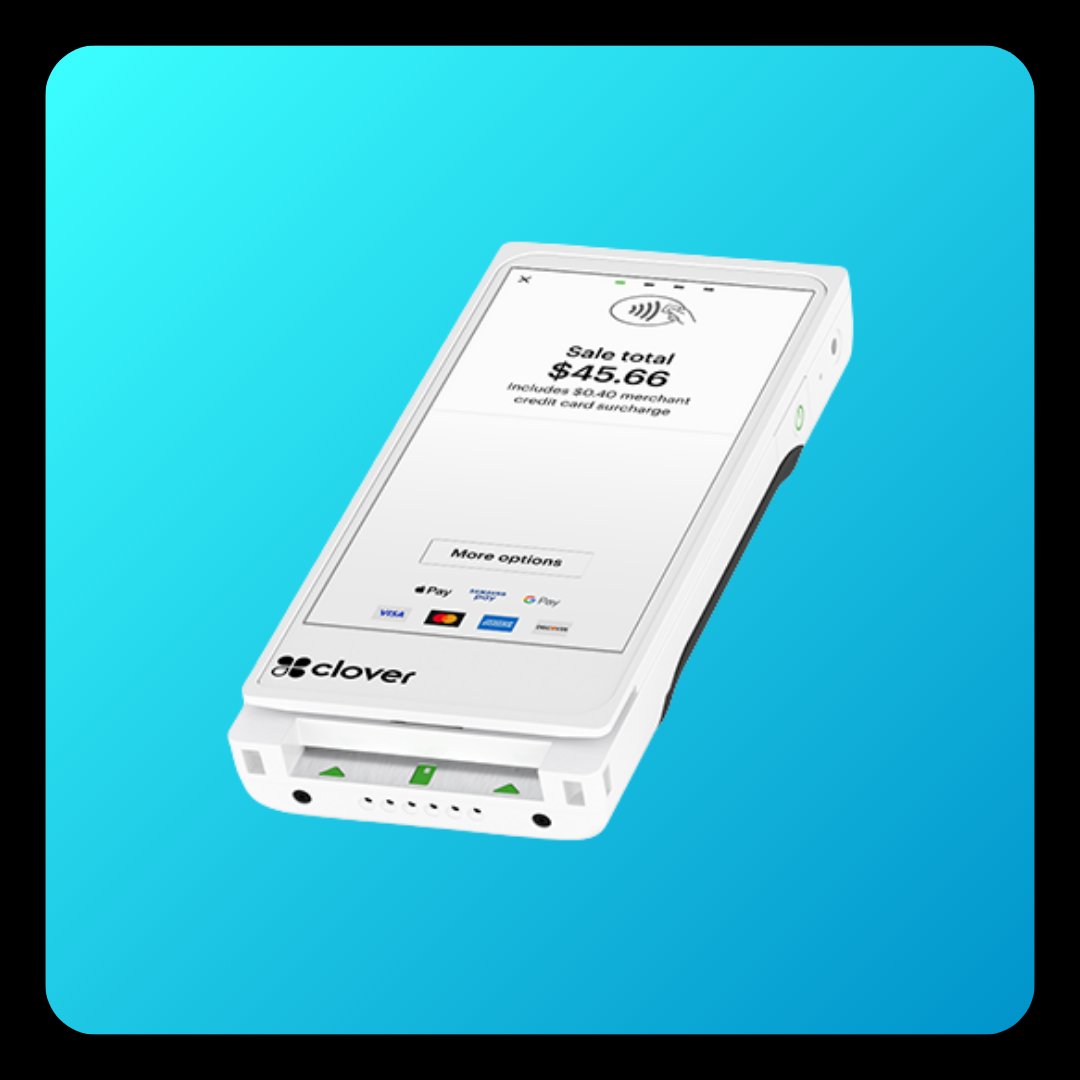
Most popular Clover Flex wireless handheld payment terminal

Clover Flex

Wireless handheld · The default pick

The most popular terminal in the lineup — and the one we put in most merchants' hands. It works at the counter, on the truck, at the table, in the chair. Wireless via WiFi and 4G. Built-in receipt printer. On-screen signatures. Tap, chip, swipe, and contactless including Apple Pay and Google Pay.

  • WiFi + 4G connectivity
  • Built-in receipt printer
  • On-screen signatures
  • Tap, chip, swipe, contactless
  • Apple Pay and Google Pay
  • Battery — full shift on one charge
Best for Auto repair, trades, salons, retail, mobile services, restaurants doing tableside payment. If you only get one terminal — this is usually it.
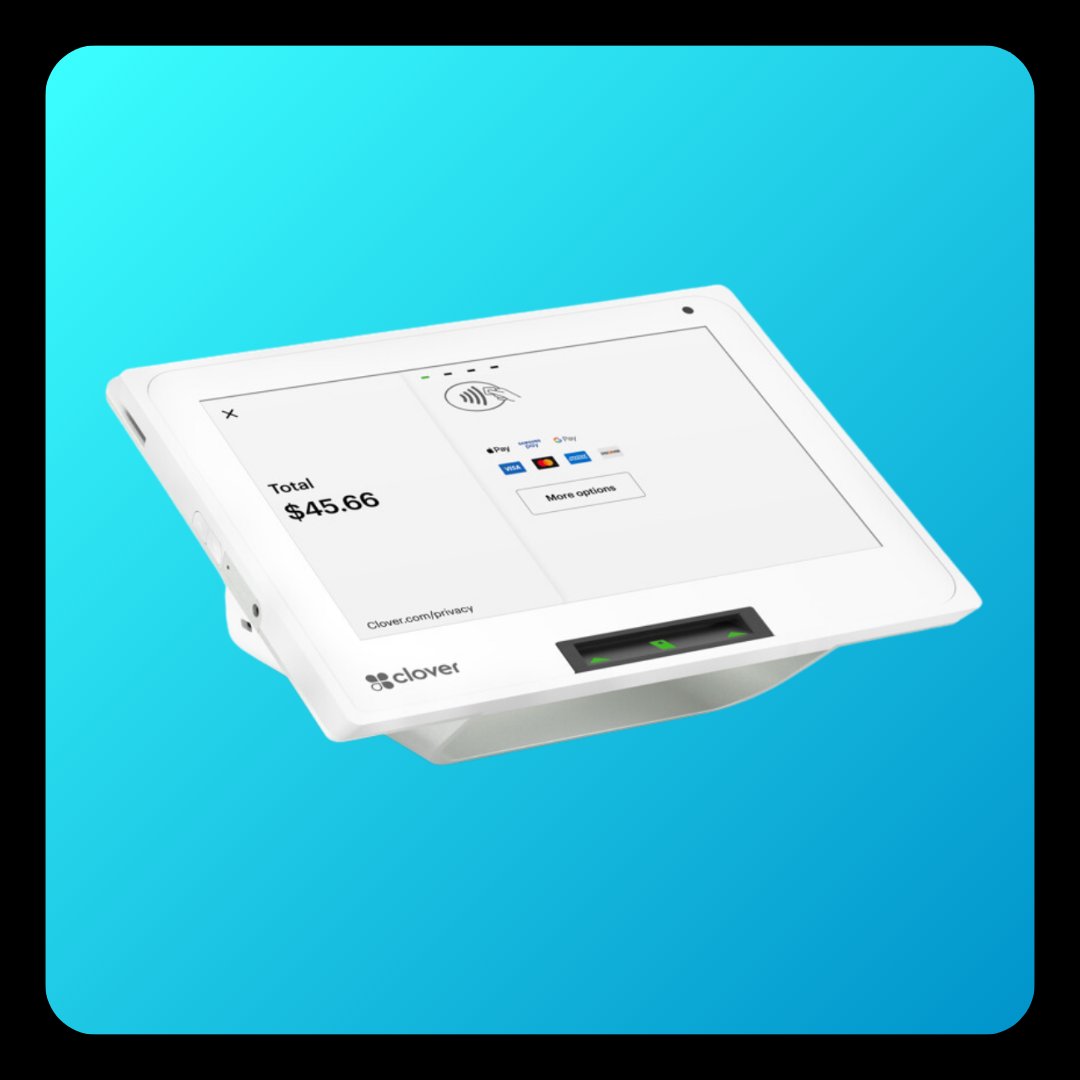
Clover Mini compact countertop payment terminal

Clover Mini

Compact countertop

The smallest countertop terminal in the Clover lineup. Fits in tight counter space and still has full payment capability — touchscreen, customer-facing display, built-in receipt printer. The cleaner choice when you don't need a full POS but you do want a permanent fixture at the till.

  • Touchscreen display
  • Customer-facing screen
  • Built-in receipt printer
  • Wired ethernet + WiFi
  • Tap, chip, swipe, contactless
  • Compact footprint
Best for Salons, spas, counter-service businesses, small retail, dental and medical front desks, professional service offices.
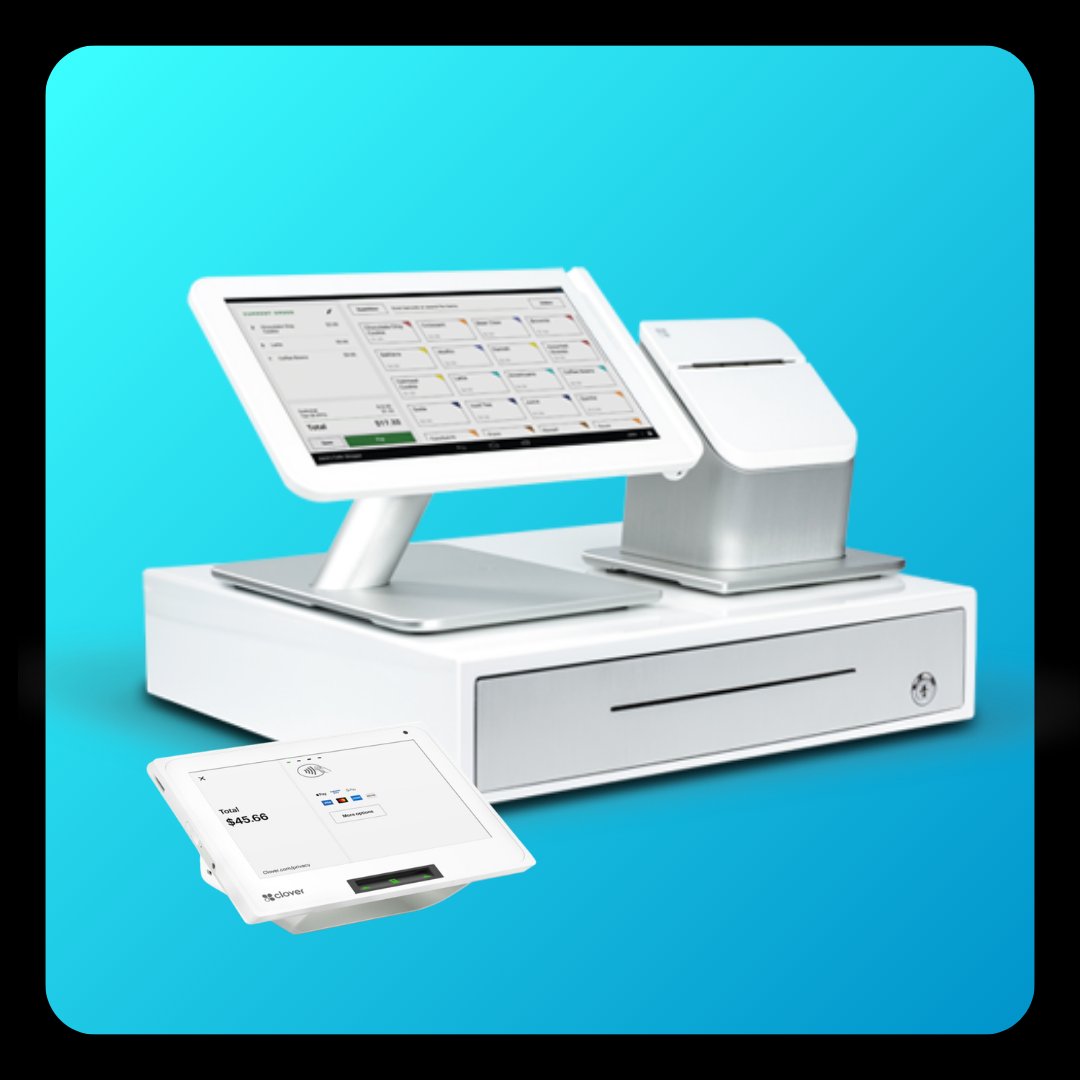
Clover Station Duo full POS payment terminal with customer-facing display

Clover Station Duo

Full POS · Dual display

The full POS terminal — merchant display on one side, customer-facing display on the other. Inventory, table management, employee management, reporting, the works. The setup most full-service restaurants and busy retail counters end up on. Customer sees their order in real time. Tips go cleanly through the customer display.

  • Dual displays (merchant + customer)
  • Full POS — inventory, staff, reporting
  • Built-in receipt printer
  • Cash drawer compatible
  • Table management for restaurants
  • Multi-employee logins
Best for Restaurants and cafés, full-service retail, any business that needs a real POS system and not just a payment terminal.
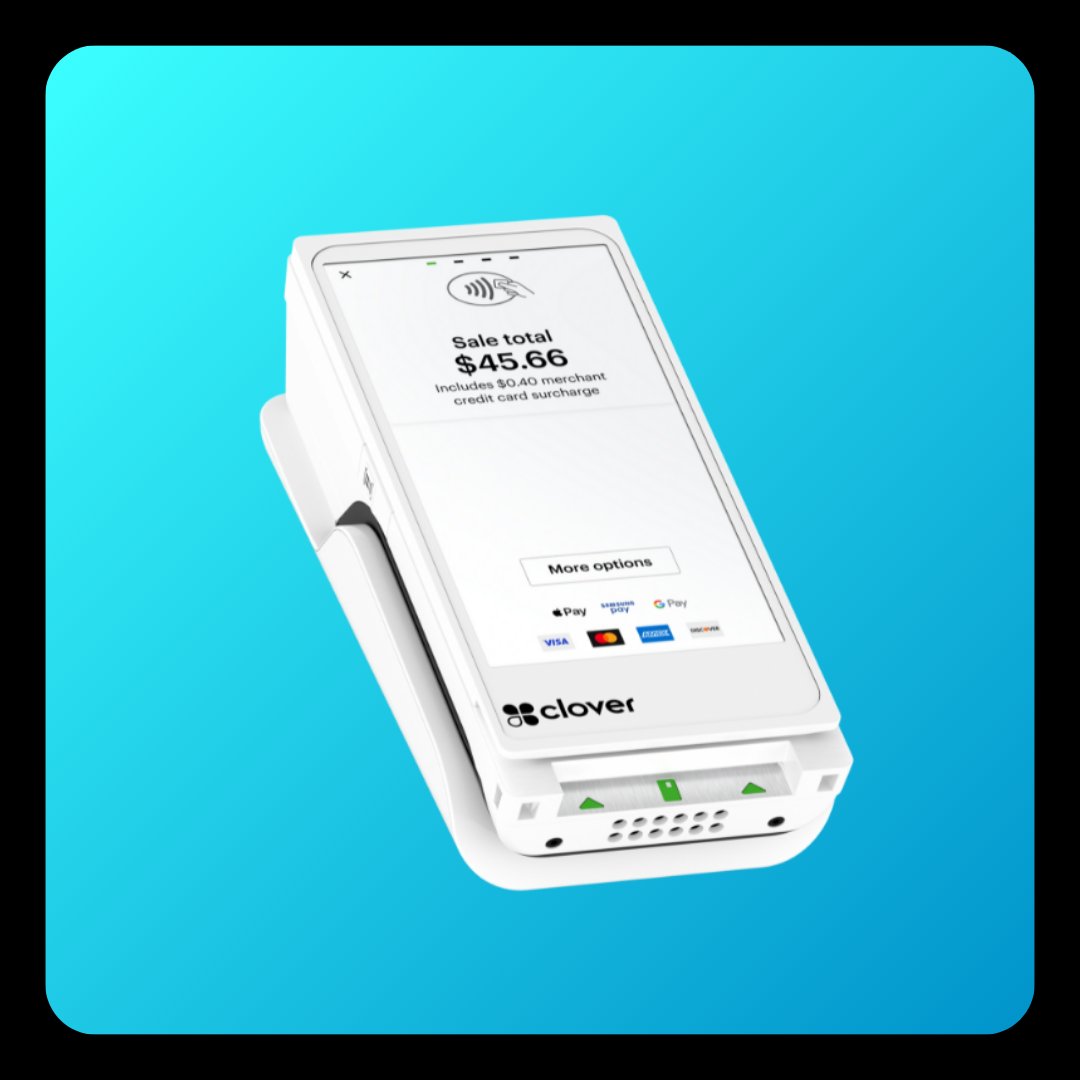
Clover Flex Pocket compact mobile payment terminal

Clover Flex Pocket

Pocket-sized mobile

Smaller and lighter than the Flex. Fits in a pocket or a tool belt. For merchants who collect payment on-site — the plumber finishing a kitchen install, the cleaner wrapping up a job, the dog groomer walking the receipt to the owner. Same tap-chip-swipe capability as the Flex, just stripped down for portability.

  • Pocket-sized form factor
  • WiFi + 4G connectivity
  • Email/SMS receipts
  • Tap, chip, swipe, contactless
  • Long battery life
  • Pairs with phone for printing if needed
Best for Trades (HVAC, plumbing, electrical), mobile services, on-site collection, pop-ups, anyone who doesn't need a printed receipt at the point of sale.
Elavon-backed Newland N910 wireless payment terminal

Newland N910

Wireless handheld · Elavon

Functionally comparable to the Clover Flex — wireless, handheld, full tap-chip-swipe capability, built-in receipt printer. The difference is the backing. Clover runs on Fiserv. Newland runs on Elavon. Loose analogy: if Clover is iPhone, Newland is Samsung. Both work. We match the terminal to your underwriting and what makes sense for the deal.

  • Wireless WiFi + 4G
  • Built-in receipt printer
  • Tap, chip, swipe, contactless
  • Apple Pay and Google Pay
  • Elavon network backing
  • Solid alternative to Clover Flex
Best for Same use cases as the Clover Flex — when Elavon is the better fit for your underwriting or pricing model. Common in surcharging deals.
Ingenico Desk 5000 wired countertop payment terminal

Ingenico Desk/5000

Wired countertop

The traditional countertop option. Wired ethernet connection — no WiFi flakiness, no charging routines. For businesses that want a terminal that stays put and just works. Smaller footprint than a full POS system but more permanent than a handheld. The terminal you see on most pharmacy and convenience store counters.

  • Wired ethernet (rock-solid uptime)
  • Compact countertop footprint
  • Built-in receipt printer
  • Tap, chip, swipe, contactless
  • PIN pad for debit + chip & PIN
  • Low maintenance — no battery
Best for Convenience stores, pharmacies, dry cleaners, traditional retail, anyone who wants a terminal that just sits there and processes — no charging, no WiFi issues, no fuss.
Online & card-not-present

Online gateways for when you don't take the card in hand.

If you invoice clients, run recurring billing, or sell online — you don't need a physical terminal. You need an online gateway. We offer two, picked based on what kind of online processing you're doing.

Owned by Visa

Authorize.Net

The most-used payment gateway in North America

The default pick for online and recurring processing. Integrates with most major e-commerce platforms, accounting software, and invoicing tools. Built for repeat billing, hosted checkout pages, and virtual terminal use when you need to key in a card over the phone.

  • E-commerce checkout integration
  • Recurring billing and subscriptions
  • Virtual terminal (key-in transactions)
  • Customer payment profiles (saved cards)
  • Hosted payment pages
  • Works with most accounting software
Owned by Elavon

Converge

B2B-friendly with online surcharge support

The right choice when you're invoicing business clients, running a virtual terminal for phone orders, or — uniquely — you want to surcharge on card-not-present transactions. Converge is one of the few gateways that supports compliant online surcharging in Canada.

  • B2B invoicing with payment links
  • Virtual terminal for phone/mail orders
  • Surcharge-enabled online processing
  • Recurring billing
  • Multi-currency support
  • Strong for marketing agencies and consultants
Quick reference

Side-by-side comparison.

The cheat sheet — everything in one place. Pricing is determined on the call based on your volume, contract structure, and which terminal fits.

Terminal Type Connectivity Printer Best for
Clover Flex
Most popular
Wireless handheld WiFi + 4G Built-in Most merchants — the default pick
Clover Mini Compact countertop WiFi + ethernet Built-in Salons, spas, small retail, professional services
Clover Station Duo Full POS WiFi + ethernet Built-in Restaurants, full retail, full POS workflows
Clover Flex Pocket Pocket mobile WiFi + 4G Email/SMS receipts Trades, mobile services, on-site collection
Newland N910 Wireless handheld WiFi + 4G Built-in Clover Flex alternative — Elavon-backed
Ingenico Desk/5000 Wired countertop Ethernet Built-in Convenience, pharmacies, traditional countertop
Authorize.Net
Online
Online gateway Internet Digital receipts E-commerce, recurring billing, virtual terminal
Converge
Online
Online gateway Internet Digital receipts B2B invoicing, virtual terminal, online surcharging
Terminal questions

Questions you're probably asking.

If yours isn't here, call us — +1 (647) 691-9085.

How much do Dough's terminals cost?+
Terminal pricing is determined on the sales call. The cost depends on which terminal fits your business, your processing volume, and which contract structure you choose. Qualified merchants can get a free Clover Flex through our Boost program. Send your statement and we'll quote your full setup — terminal, pricing model, and Boost perks all in one quote.
Which terminal is most popular?+
The Clover Flex. It's the most-asked-for terminal across nearly every industry — wireless, handheld, full payment functionality, built-in receipt printer. Works in the bay, behind the counter, at the table, on the truck. If you're not sure what to pick, this is usually the answer.
What's the difference between Clover and Newland?+
Functionally similar terminals — both wireless, handheld, full payment capability, built-in receipt printer. The difference is the backing. Clover runs on Fiserv. Newland runs on Elavon. Loose analogy — if Clover is iPhone, Newland is Samsung. Both work great. We pick which one based on your underwriting, your industry, and the deal structure that fits.
Can I process online with Dough?+
Yes. For online and card-not-present processing, we set you up on Authorize.Net or Converge. Authorize.Net is owned by Visa, best for e-commerce, recurring billing, and virtual terminals. Converge is owned by Elavon, best for B2B invoicing, virtual terminal use, and surcharge-enabled online processing — one of the few gateways that supports compliant online surcharging.
Do these terminals support tap and Interac?+
Yes. Every terminal in the Dough lineup supports tap (contactless), chip, swipe, and Interac. They all process every Canadian card type — debit, Visa, Mastercard, AmEx (where supported), and contactless wallets like Apple Pay and Google Pay.
How long does it take to get a terminal once I sign up?+
Two to three days from start to installed. We ship the terminal pre-programmed for your business — you plug it in and process. Underwriting takes one to two business days. The terminal arrives via courier within another day or two. Read how it works for the full switch process.
Can I use my existing terminal?+
In most cases, no — terminals are locked to the processor that issued them. But ask us. There are situations where we can reprogram an existing terminal, especially Clover devices, if the underlying contract allows it. Most merchants end up switching to a new terminal as part of the move to Dough.
What if my terminal breaks?+
We replace it. Every terminal in the lineup comes with replacement coverage as long as you're an active Dough merchant. Damaged or non-working terminal — we ship a replacement and you ship the broken one back. No charge if it's a hardware fault.

We'll pick the right terminal. You just process.

Send us your last statement and we'll quote your full setup — terminal, pricing model, Boost perks. Within 24 hours you'll know exactly what your switch looks like. No commitment.

#teamsmallbusiness